BATTERY INFORMATION

Understand Your Battery Beyond the Percentage.

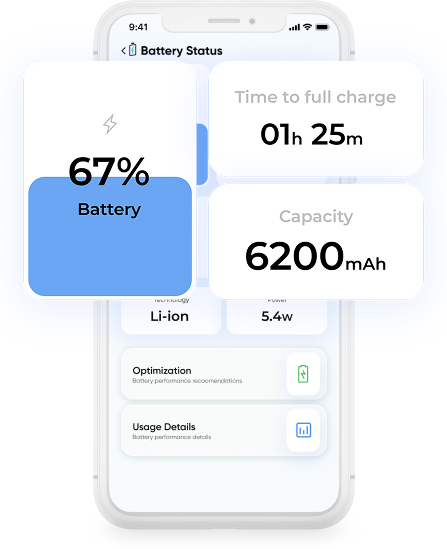
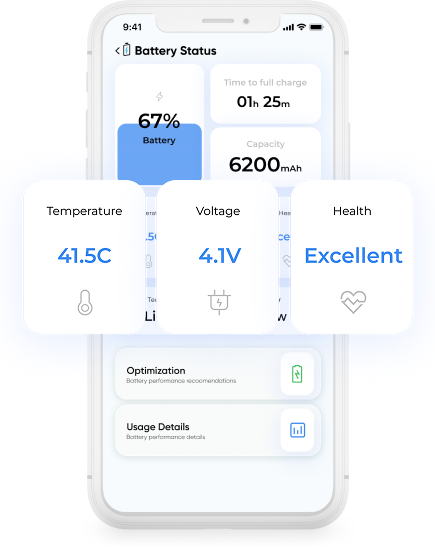
Smart Transfer App’s Battery Information feature shows your battery usage in real time. View battery health, temperature, voltage, charging status, and activity in one place, making it easier to monitor performance and make informed decisions about your battery usage.


⭐ ⭐ ⭐ ⭐ ⭐

Trusted by millions of users worldwide
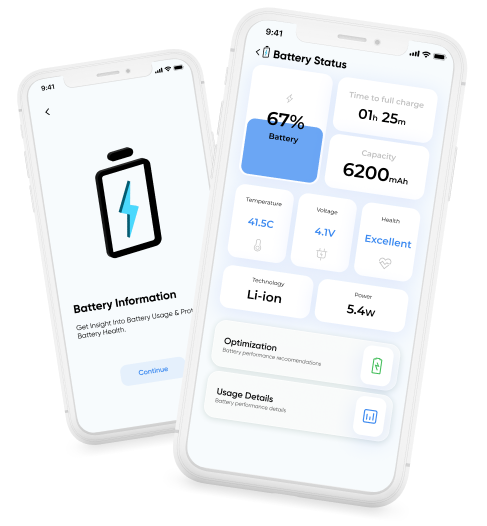
Manage Your Battery Usage

Battery Information helps you understand your device’s battery usage during everyday use and charging. This makes it easier to recognize patterns, reduce unnecessary drain, and manage usage more effectively.

Check Battery Status in Real Time

See your current charging state, power source, and voltage instantly. This helps you understand exactly what your battery is doing at any moment.

Monitor Temperature While You Use Your Device

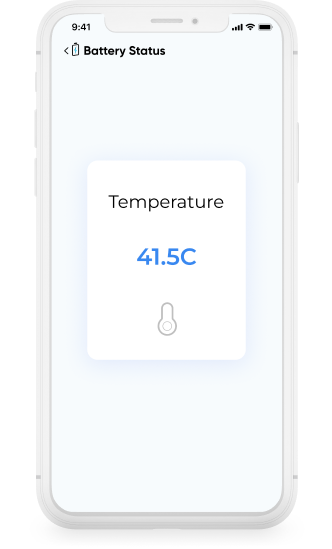
Is your device getting warmer than usual? Monitor battery temperature during use and charging to catch overheating early. Maintaining a stable temperature helps prolong battery life and reduces the risk of performance issues or potential safety concerns.

Understand How Your Device Charges

See how your battery responds to different chargers, cables, and power sources. This helps you spot changes in charging speed or behavior over time.

Get Simple, Actionable Battery Tips

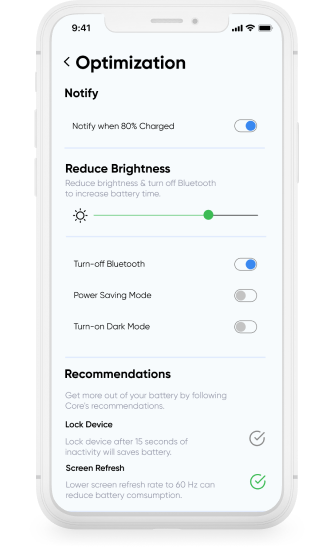
Get practical suggestions based on your battery conditions, such as adjusting brightness, turning off Bluetooth, or enabling power saving mode to help prolong battery charge and extend battery life.

Download Smart Transfer App

Check battery health, temperature, and charging activity in one place. Smart Transfer App’s Battery Information feature gives you clear insights into how your battery performs every day.

FAQs

Q1. What does the Battery Information feature do?
It provides a detailed battery health check, showing your phone’s health, temperature, voltage, technology, and charging status, all in one simple dashboard.
Q2. Is the battery health accurate?
Yes. Smart Transfer acts as a reliable battery health checker by reading real system-level data and displaying it clearly as Good, Average, or Poor.
Q3. Can Smart Transfer track which apps drain my battery?
No. The feature focuses on core battery usage details such as temperature, voltage, and charging behavior, not per-app consumption.
Q4. Can this help me understand why my battery drains quickly?
Yes. By viewing real-time temperature, voltage, and health through the battery info analyzer, you can identify common causes like overheating or unstable charging.
Q5. Does the Battery Information tool help improve battery lifespan?
While it doesn’t change system settings, its practical tips, like avoiding high temperatures and improving charging habits, help extend long-term battery life.