
A Smarter Way to Share Data
Whether you're sending files to family, friends, or your own devices, Smart Transfer provides a fast and secure way to share files between devices. Transfer large files wirelessly without relying on cloud storage or physical cables.

Install the Smart Transfer App
Install Smart Transfer App on both devices to begin sharing. The app supports file transfers from Android to Android, Android to iOS, iOS to iOS, and tablets, including iPad.

Choose Nearby or Remote Sharing
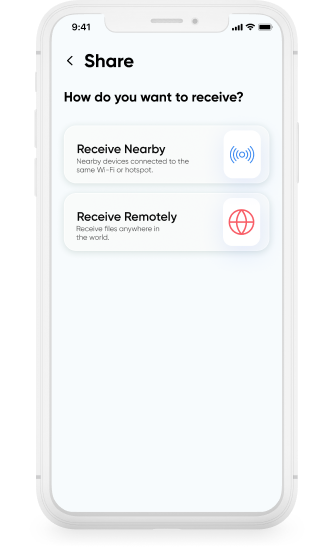
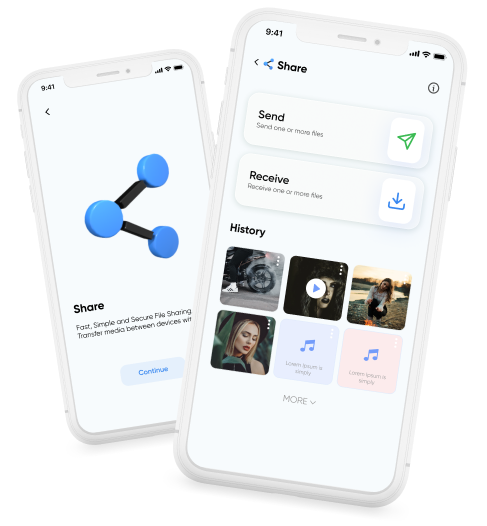
Smart Transfer App offers two sharing options. Share Nearby is used when both devices are connected to the same Wi-Fi network. Share Remotely allows sharing between devices on different Wi-Fi networks or in different locations.

Select What You Want to Send
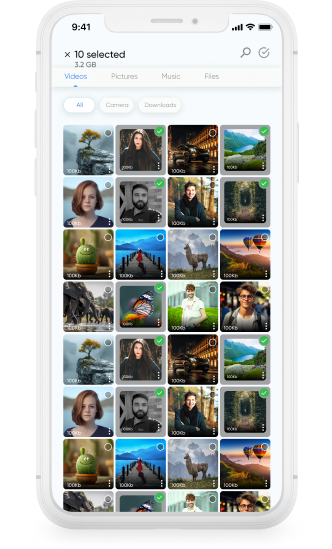
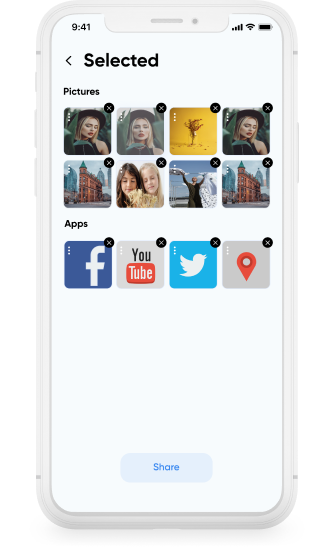
Choose individual photos, videos, music, or files. Smart Transfer App lets you select specific content instead of sending entire folders, giving you control over each transfer.

Start the Transfer
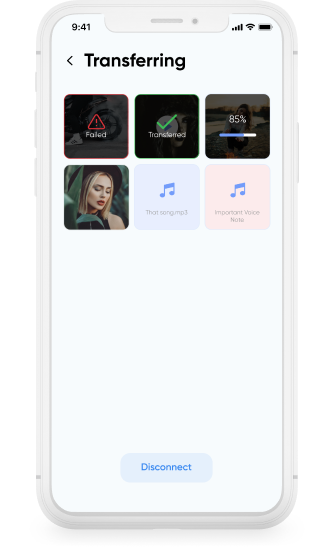
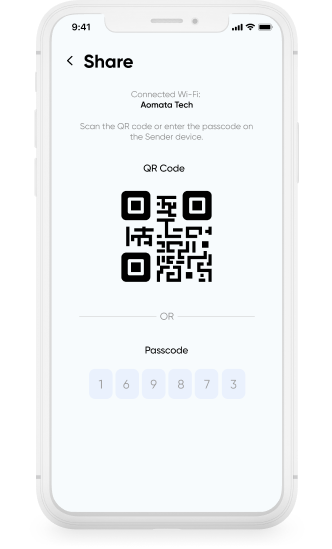
Connect the devices and begin sharing. The process remains consistent across phones and tablets, making it easy to handle both personal sharing and customer device setups.

Review and Share Again
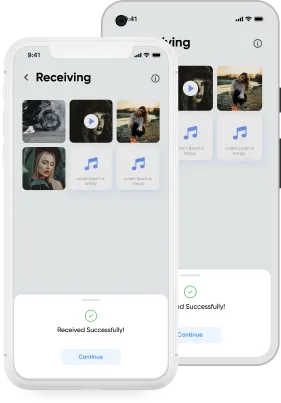
All files you receive are saved in the History section, making it easy to review past transfers or start another transfer whenever needed.