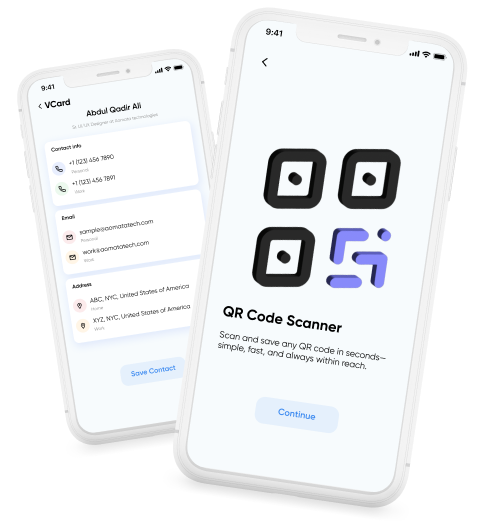
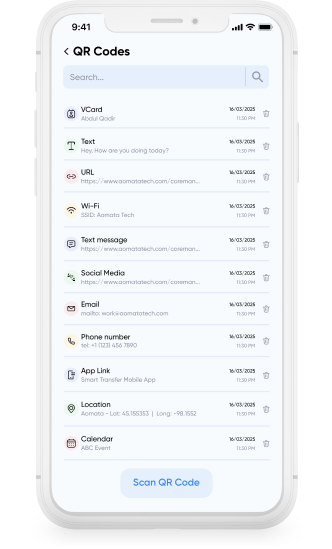
Ever scanned a QR code and later needed that same information again, but the code wasn’t available anymore? Smart Transfer App automatically saves scanned QR codes, so you can open them again anytime without needing to rescan.
After scanning a QR code, Smart Transfer App displays the information stored in the code and lets you take action immediately.
View contact details and save them to your contacts
Call a phone number or save it as a contact.
Add events directly to your calendar.
Open a location in your maps app.
Open your email app to send an email.
Open social media profiles or posts.
Open an app page in the app store.
Copy WiFi network name and password.
Our support team is here to help. If you have any questions or need assistance, feel free to contact us at support@smarttransferapp.com.
Contact