BOOKMARK MANAGER

Save Links. Find Them Anytime.

Smart Transfer App’s Bookmarks Manager lets you save links from different apps and browsers in one consolidated place. Instead of searching through multiple applications or bookmark lists, you can keep all your saved links together, organized and easily accessible whenever you need them.


⭐ ⭐ ⭐ ⭐ ⭐

Trusted by millions of users worldwide
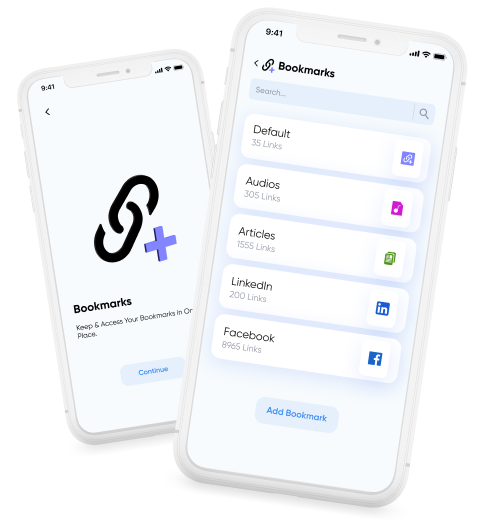
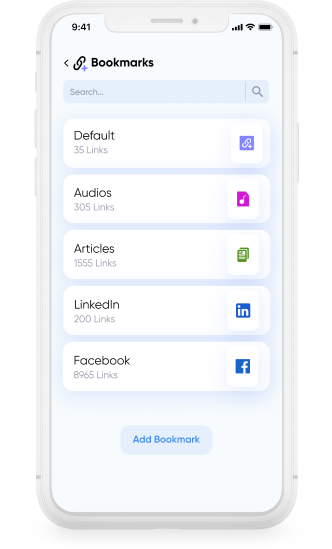
Bookmark Manager hero image showing Smart Transfer saving and organizing links in one place.

A Better Way to Save and Manage Links

Saved links can quickly become messy and difficult to manage. Smart Transfer App’s Bookmarks Manager helps keep your bookmarks organized by allowing you to create categories and easily update bookmark details, so your list stays clean and tidy over time.

Bookmark Manager saving and organizing links into categories for easy access.

Save and Organize Links in One Place

Ever saved a link as a screenshot or pasted it into your notes just so you wouldn’t forget it? Smart Transfer App gives you a dedicated space to save links in a single location, separate from browser bookmarks, notes, or screenshots. Simply store your links and organize them into categories so they’re easy to find later.

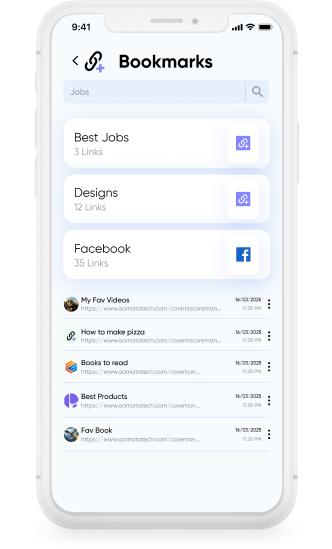
Bookmark Manager search screen for quickly finding saved bookmarks.

Easily Search and Access Bookmarks

Bookmarks Manager works across phones and tablets, helping you quickly locate saved links when you need them. With simple search and organized categories, finding the right bookmark becomes fast and straightforward.

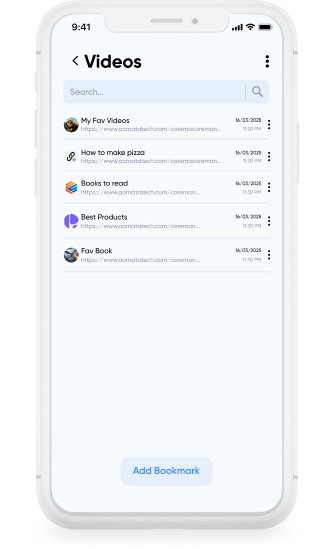
Bookmark Manager edit bookmarks screen to update, remove, and manage saved links.

Edit, Update, and Access Links Easily

Bookmarks can be edited or removed anytime, making it easy for you to manage your saved links. Titles, URLs, and categories can be updated whenever needed, and links can be opened in any browser installed on your device.

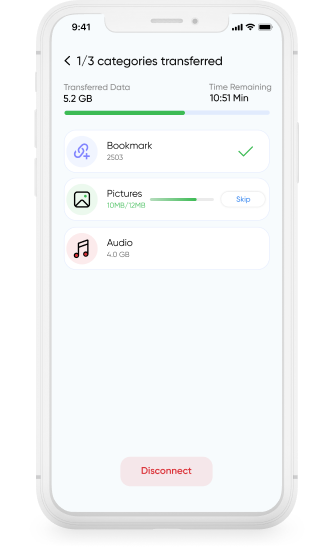
Bookmark Manager cloning bookmarks across devices using Smart Transfer.

Clone Your Bookmarks Across Devices

When switching to a new device, your saved bookmarks don’t always transfer with you. Smart Transfer App makes it easy to clone your bookmarks to your new phone or tablet, so your saved links stay available without needing to recreate them.

Download Smart Transfer App

Save and organize links in one place and access them whenever you need them. Smart Transfer App’s Bookmarks Manager keeps your saved pages organized and easy to manage.

FAQs

Q1. What is Smart Transfer App’s Bookmarks feature used for?
Smart Transfer App’s Bookmarks feature helps you save links, organize URLs, and revisit webpages anytime. It keeps your saved links in one place so they remain easy to access on your device.
Q2. Can I organize my bookmarks into categories?
Yes. You can create categories such as Work, Travel, Recipes, Study, or Reading Lists to keep related links grouped together and easier to find.
Q3. What types of links can I save?
You can save almost any URL, including articles, videos, product pages, recipes, guides, and other online resources.
Q4. Can I edit or delete bookmarks after saving them?
Yes. You can update the title, URL, or category of any bookmark. Links can also be removed anytime if they are no longer needed.
Q5. How do I open a saved bookmark?
Tap the saved bookmark and open the link in any browser installed on your device, such as Chrome, Safari, Firefox, Samsung Internet, or Opera.
Q6. Are my bookmarks stored securely?
Yes. Bookmarks are stored locally on your device and remain under your control. Smart Transfer App does not automatically upload or share your saved links.